Large format printing: resolution, colour and finishing basics
13 June 2026 · By GraphicTech.mu · Updated 17 June 2026
The printer that opens new doors
A large format printer is often the machine that turns a small sign business into a serious one. It produces banners, posters, vehicle graphics, stickers and backdrops on wide rolls of media, which are exactly the high value jobs that build a reputation. Getting good results from one is less about the machine and more about understanding three things: resolution, colour and finishing.
This guide covers each in plain terms so your first large prints come out sharp, accurate and built to last.
Resolution: enough, not endless
Resolution causes more confusion than any other topic in large format work. Newcomers assume a print must be 300 dots per inch, the standard for small printed material held close to the eye. For large format, that is usually overkill and creates enormous files that slow everything down.
The key idea is viewing distance. A banner read from across a car park does not need the same detail as a flyer read at arm's length. The further away a sign is viewed, the lower the resolution it needs to look crisp.
As a rough guide, posters viewed up close suit around 150 dots per inch at final size. Larger banners viewed from a few metres away look perfect at 100 dots per inch or even less. Very large building wraps viewed from across a street can use far lower resolution and still appear sharp.
The critical phrase is at final size. A small image stretched to banner scale will look blurry no matter what number you set. Whenever possible, build artwork from vector files, which scale to any size without losing sharpness. For photographs, start with the largest, highest quality original you can get.
Colour: managing the gap between screen and print
The colour you see on a bright backlit screen is created with light. The colour a printer makes is created with ink on media. These two systems do not match by default, which is why a vivid blue on screen can print as a dull, slightly purple shade if you do nothing about it.
Managing this gap is colour management, and it rests on a few habits.
Work in the right colour space
Printers build colour from cyan, magenta, yellow and black inks. Preparing artwork with print in mind, rather than screen vivid colours that cannot be reproduced, avoids disappointment.
Use colour profiles
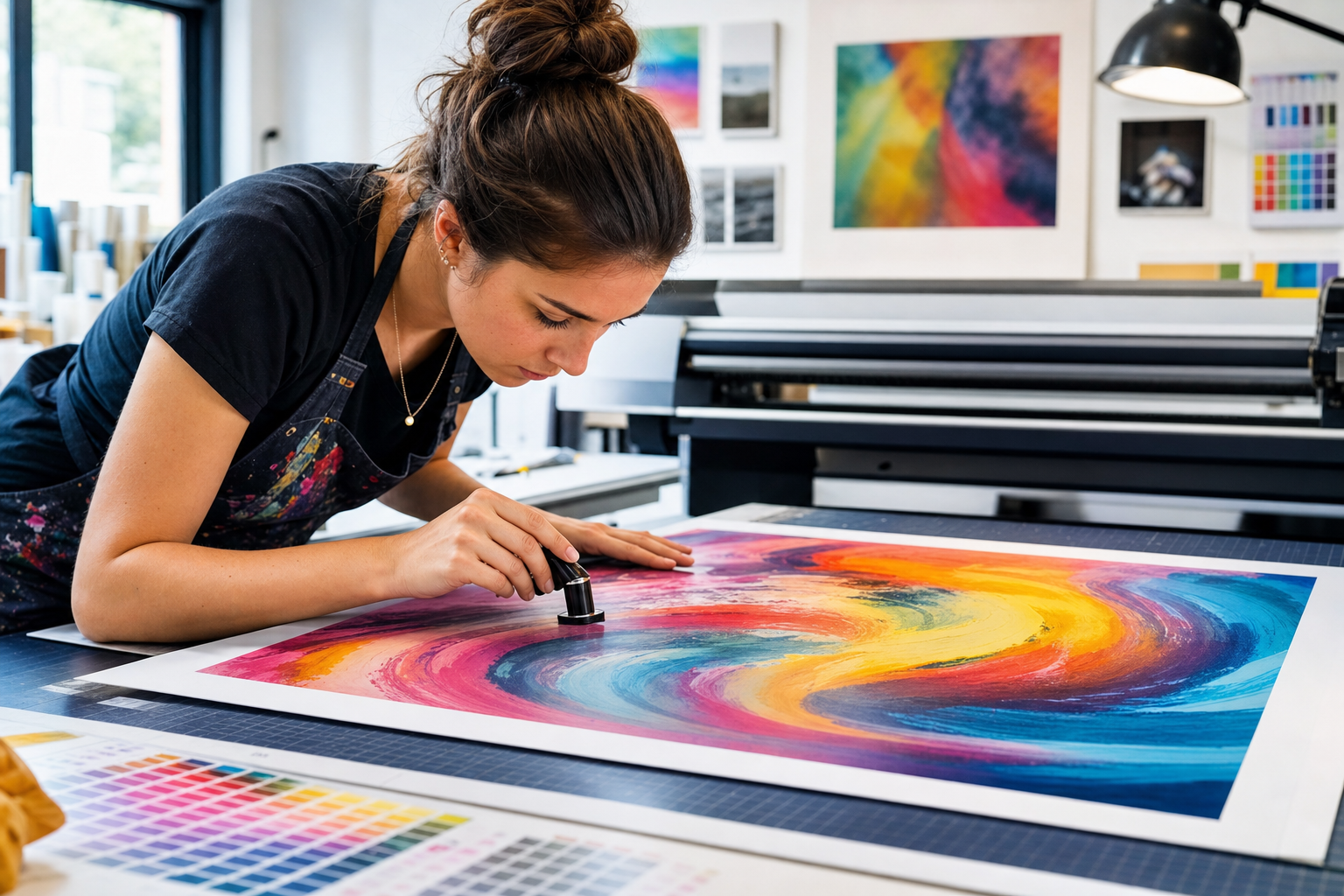
A profile describes how a specific printer, ink and media combination reproduces colour. Loading the correct profile for the media you are printing is the single biggest factor in accurate results. Media suppliers often provide profiles for their products.
Print a test
For any job where colour matters, such as a brand logo, print a small section first and check it against the reference. A short test strip costs a little media and saves a full reprint.
Choosing media
Large format media ranges widely. Banner material, self adhesive vinyl, photo paper, poster paper, fabric and backlit film each suit different uses. The media affects colour, durability and cost, so choose it for the job. An indoor poster and an outdoor banner have very different needs, and using the right media the first time avoids waste.
Finishing: the step that protects the work
A print straight off the roll is rarely the finished product. Finishing makes it durable and usable.
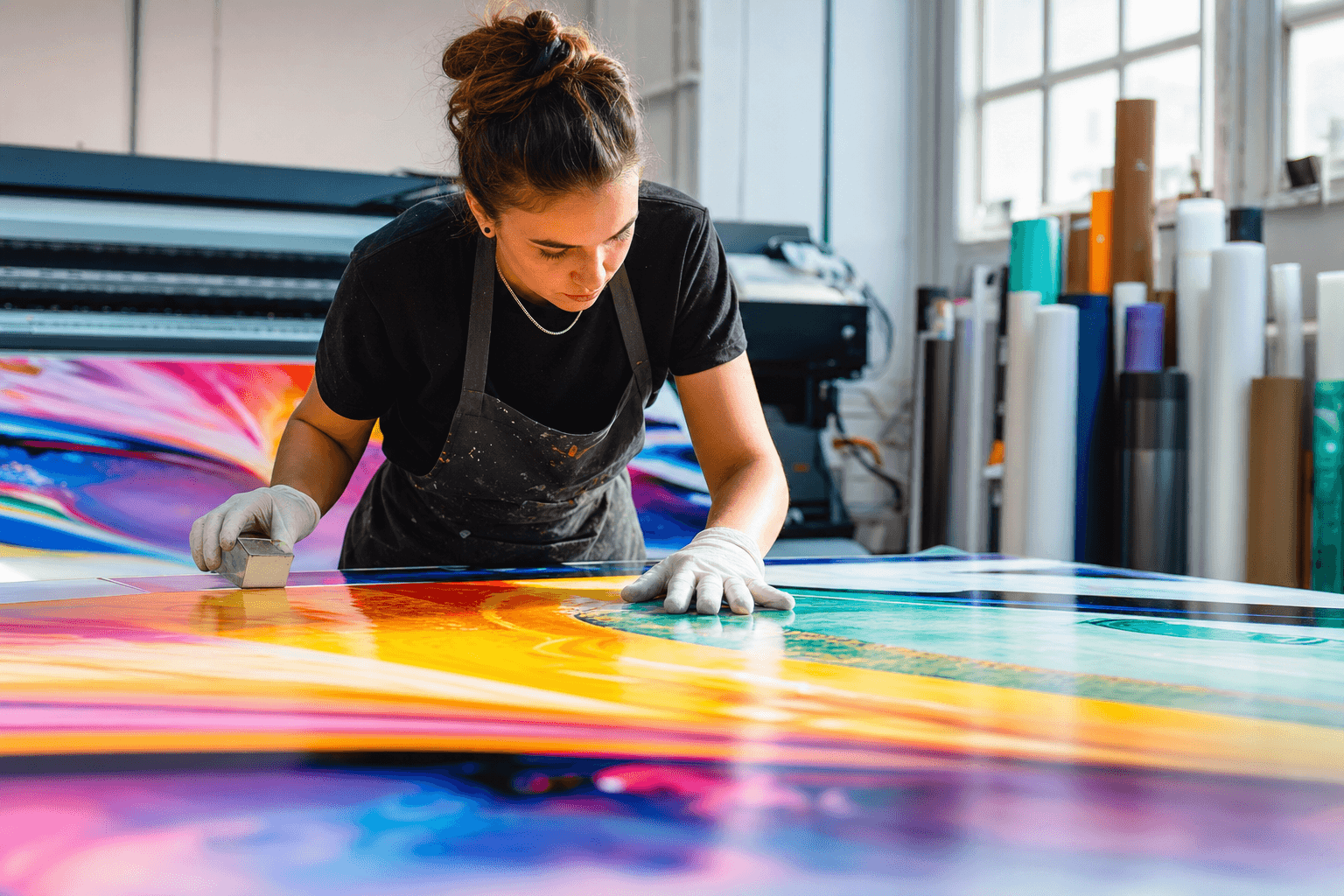
Lamination adds a clear protective layer that guards against scratches, handling and sun fade. For anything outdoors or frequently touched, it is essential rather than optional.
Banners need hemmed or reinforced edges and eyelets so they can be hung without tearing. A welded or taped hem stops the edge fraying and spreads the load at fixing points.
Stickers and decals need cutting, whether by a simple trim or a contour cut that follows the shape of the design. Clean cutting is what makes a sticker look professional rather than homemade.
Avoiding common waste
Large format media is not cheap, so a few habits protect your margin. Always check the file at final size before printing. Run a colour test for brand critical jobs. Keep the print heads maintained, because clogged nozzles cause banding that wastes a whole print. And store media flat and sealed, especially important in the Mauritius humidity, where damp media can curl and affect ink absorption.
Putting it together
Good large format printing is a chain. Start with artwork at the right resolution for its viewing distance, manage colour with the correct profiles and a quick test, choose media to match the job, and finish properly so the work survives real use. Master that chain and the machine will reward you with the kind of large, visible work that brings new customers through the door.
Great print starts with the right supplies and know how. Explore the wider Graphic Supplies ecosystem.